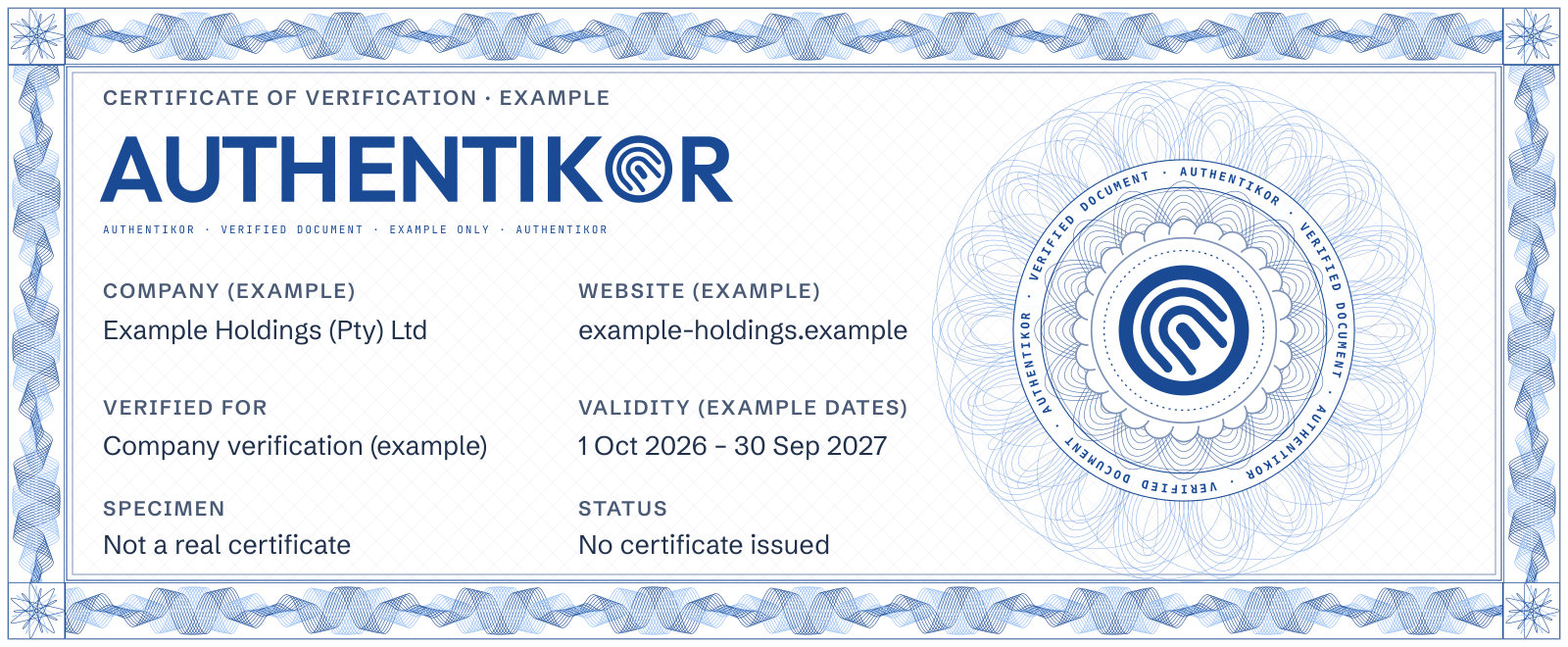
Website seal
A website seal visitors can use to check its verification record.
R120/ year
Enquire about website seals
Product
Verification codes, signatures and campaigns, website verification and licence certificates. Manage your business in one cloud dashboard.

Verification codes and QR codes
Each code is one of a kind. It looks like this: 20261020-EXAMPLEEML. Put it on an email, invoice, contract, PDF, letter or quote. Print it as a QR code if you like.
When your client checks it, the result shows whether the code is valid, invalid, expired or blacklisted. A code that has used all its allowed checks shows as expired.
You choose how long a code lasts. It can end after a set time or a set number of checks. You can cancel or blacklist it at any time.
Choose from six templates or use a custom HTML design. Company administrators manage signatures for each sender, with shared company styling or individual layouts.
Campaign banners carry a promotion, notice or link. They do not carry verification codes.
Explore signatures and bannersChoose your own start and end dates and times, the senders who use a campaign, and optional weekday and daily time rules. Scheduling selects artwork for outgoing emails.
See template and custom signature examples, intended banner compositions and a sample campaign schedule.
See campaign examplesLink your domain to your verified company. Prove control with a DNS record or a hosted file, then display a website seal that links to your verification details and current status.
Visitors should check the linked live record. Domain control and company verification do not guarantee that every page or transaction is safe.
Explore website verificationServices for our clients.

The seal should open the company's current verification record.
Eligible verified companies can issue licence certificates to their licensees. Set the holder, scope and validity dates, then manage the licence status.
The public certificate page shows the issuer and current status. A licence depends on its issuer's current verification status. It is distinct from a website seal and does not imply government accreditation.
Explore licence certificates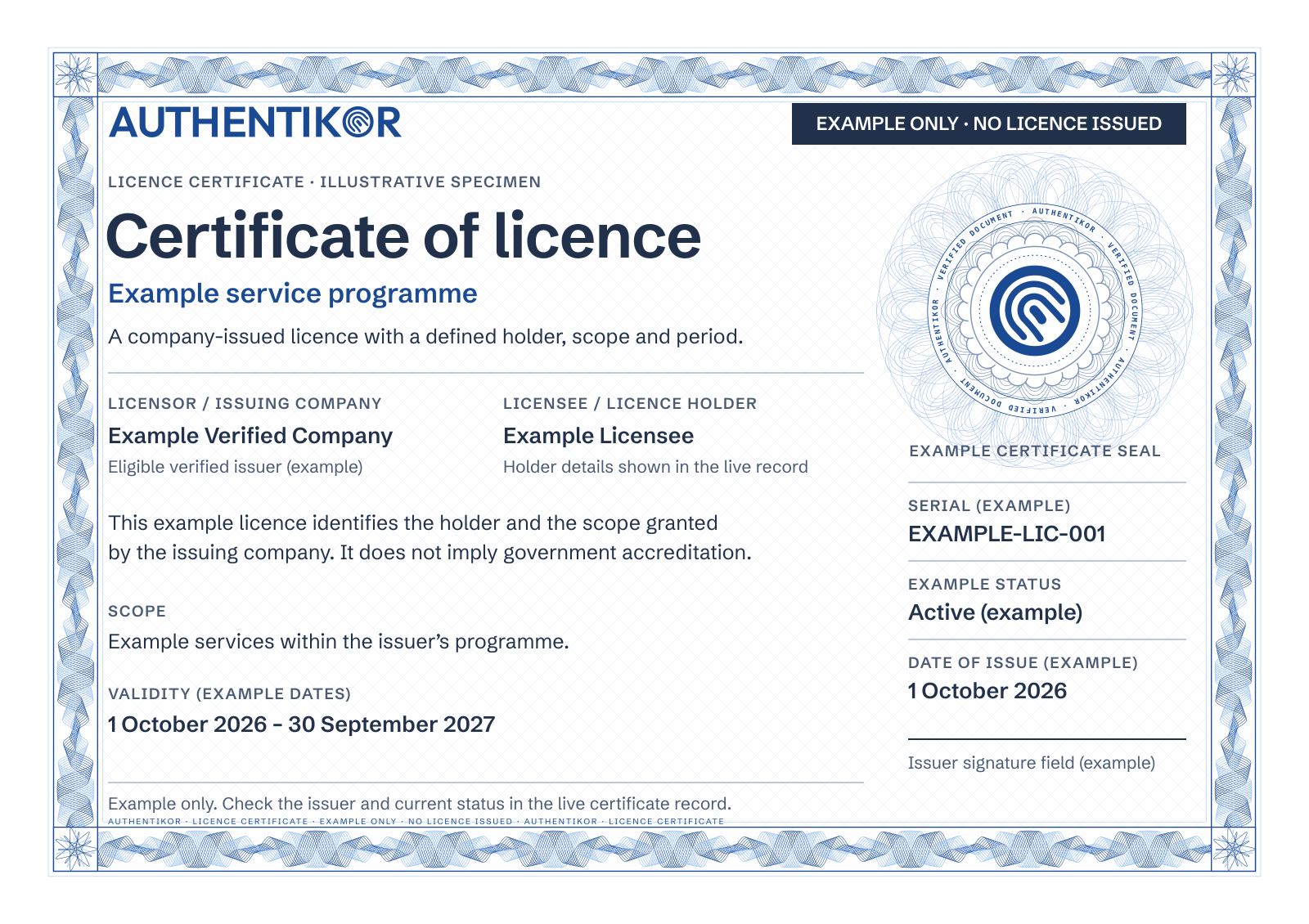
Quotes, invoices, pro forma invoices, statements, credit notes and other PDFs each get their own seal and code, bound to the document's details. Add it to a plan or use it on its own.
Explore document sealingManage staff accounts, verification codes, per-person signatures and scheduled campaigns. Review company verification, domains and licence certificates from the appropriate account screens.
Signatures and campaigns use Authentikor's outgoing email relay. We can review your mail setup and requirements during a demo.
See the dashboard in a demoEach seal Authentikor issues is one signed record with its own typed code. The code and the seal both lead to that record, so anyone can check a document or an email in the way that suits them.
One seal on every medium you send, one place to check it.The seal is issued only to businesses Authentikor has verified. They carry the same seal on email banners, websites, PDFs, financial documents and certificates, and a code without a seal still checks the message. The file check takes a PNG, JPG or PDF and shows every seal, QR code and printed code it finds.

Try it: drag this seal onto Check a file, or open the examples on Try a seal.
From: accounts@example-holdings.exampleTo: j***@sample-customer.example

Scan the code or the seal: Authentikor shows what it was issued for, so a changed document or a wrong sender stands out.
The certificate shows who issued the code, what it may be used for and the dates it is valid.
Check a code, seal or websiteExample only. Sample dates. No certificate issued.
Packages and pricing
Monthly software packages. Yearly website seals. Once-off licence certificates.
Monthly subscription
Included in every package
R50/ month
Flat monthly package
Enquire for 1 userR100/ month
Flat monthly package
Enquire for 5 usersR200/ month
Flat monthly package
Enquire for 10–50 usersNeed a different user count?
Talk to us about your teamAvailable separately from the monthly software packages.
A website seal visitors can use to check its verification record.
R120/ year
Enquire about website sealsFormal certificates with issuer, holder, scope and validity details.
R250once off
Enquire about licencesAvailable as an add-on to a plan or on its own.
A seal and a code for each quote, invoice, pro forma invoice, statement or credit note, bound to its details.
Price on enquiry
Enquire about document sealingAll prices in South African rand.
Tell us a little about your business and the demo you would like.
Call +27 87 150 9305
Mon to Fri 8:00 to 17:00