
Licence certificates
Issue a licence your clients can check.
Eligible verified companies can issue licence certificates to their licensees, define the scope and validity, and manage the current status.
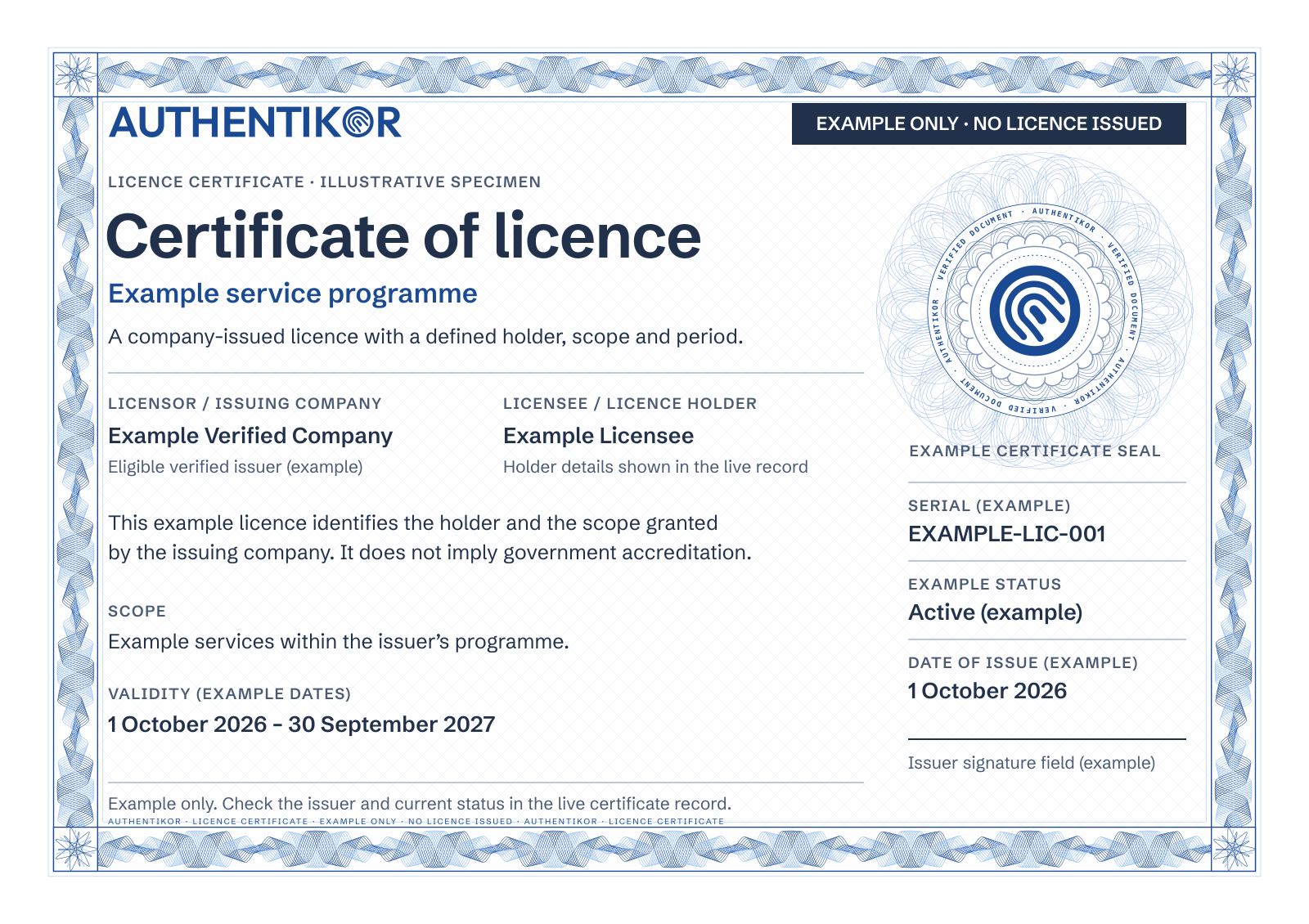
- Example issuer
- Example Verified Company
- Example holder
- Example Licensee
- Scope
- Example services within the issuer's programme
- Validity (example)
- 1 October 2026–30 September 2027
- Serial (example)
- EXAMPLE-LIC-001
From issuer to licensee
- 1
Use an eligible issuer.
The company must hold active verification at the required level.
- 2
Define the licence.
Set the holder, licence type or number, scope and validity dates.
- 3
Check its live status.
Recipients use the public certificate page to check the issuer and current result.
A company-issued licence is distinct from Authentikor verifying that company.
Know what the licence allows.
The certificate identifies the issuing company and the licence holder. Its scope states what the licence covers; its dates state when it may be used.
Check those details against the person or business you are dealing with. A licence from one company does not imply government accreditation or permission outside its stated scope.
A certificate image is only a snapshot.
The current status matters, even if a saved copy still looks valid. Company administrators can suspend, reinstate or revoke licences within the available controls.
A suspended licence may be reinstated. Revocation is a distinct withdrawal. An inactive issuer can also make its licences effectively suspended.
Recipients should open the public certificate record and read its current result before relying on a licence.
What can change (examples)
- Active
- The licence is within its validity period and the issuer remains actively verified.
- Suspended
- Use is paused. The issuer's current verification can also affect this status.
- Revoked
- The licence has been withdrawn.
- Expired
- The validity period has ended.
Start with the right company verification.
Licence issuance is for eligible companies with active Business or Enhanced verification. Issuing a licence requires the applicable account controls and recent email possession confirmation.
We can explain the issuer review, setup and your intended licence programme during a demo. A licence certificate cannot be used as a website trust seal.
Explore website verification
Discuss your licence programme
Tell us a little about your business and the demo you would like.
Call +27 87 150 9305
Mon to Fri 8:00 to 17:00